
Build Real 2D & 3D Games, Science, Math and Robotics
Curriculum and system developed by real engineers for U.S. companies and teachers
In-Home
Bali & Bogor Area
Regular Class
Jimbaran Area, Bali
Online Mentorship
Available Worldwide
Parent Briefing: 3 Direct Answers in 30 Seconds
Core principles parents need to know before enrollment
What Your Child Builds
Real 2D/3D games, space rover robotics, and apps installed directly on their iPad, Android, or PC/Steam—never closed browser toys.
Where & How They Learn
Private mentors travel to your residence in Bali or Bogor, regular group classes in our Jimbaran Studio, or live online worldwide.
How You Stay Informed
Instant AI progress summaries delivered to your WhatsApp after every class, paired with custom printable offline challenge sheets.
Three Progressive Learning Tracks
From visual block 2D/3D games to rocket simulations and industry-standard scripting.
Block Coding Game Making
Build playable 2D platformers and 3D worlds ready to publish on Google Play, App Store, and Steam.
Block Coding for STEM & Robotics
Visual block algorithms applied to autonomous Mars Rover exploration, rock sampling, LiDAR sensors, and space robotics.
Industry Scripting & Engines
Professional software engineering: master Python, C# for Unity, and Godot GDScript with Git versioning.
One Unified Engine. Zero Throwaway Learning.
Three Ways to Learn With Our Mentors
Personalized private 1-on-1 home tutoring in Bali & Bogor, weekly regular classes at our Jimbaran studio, or interactive online mentorship worldwide.
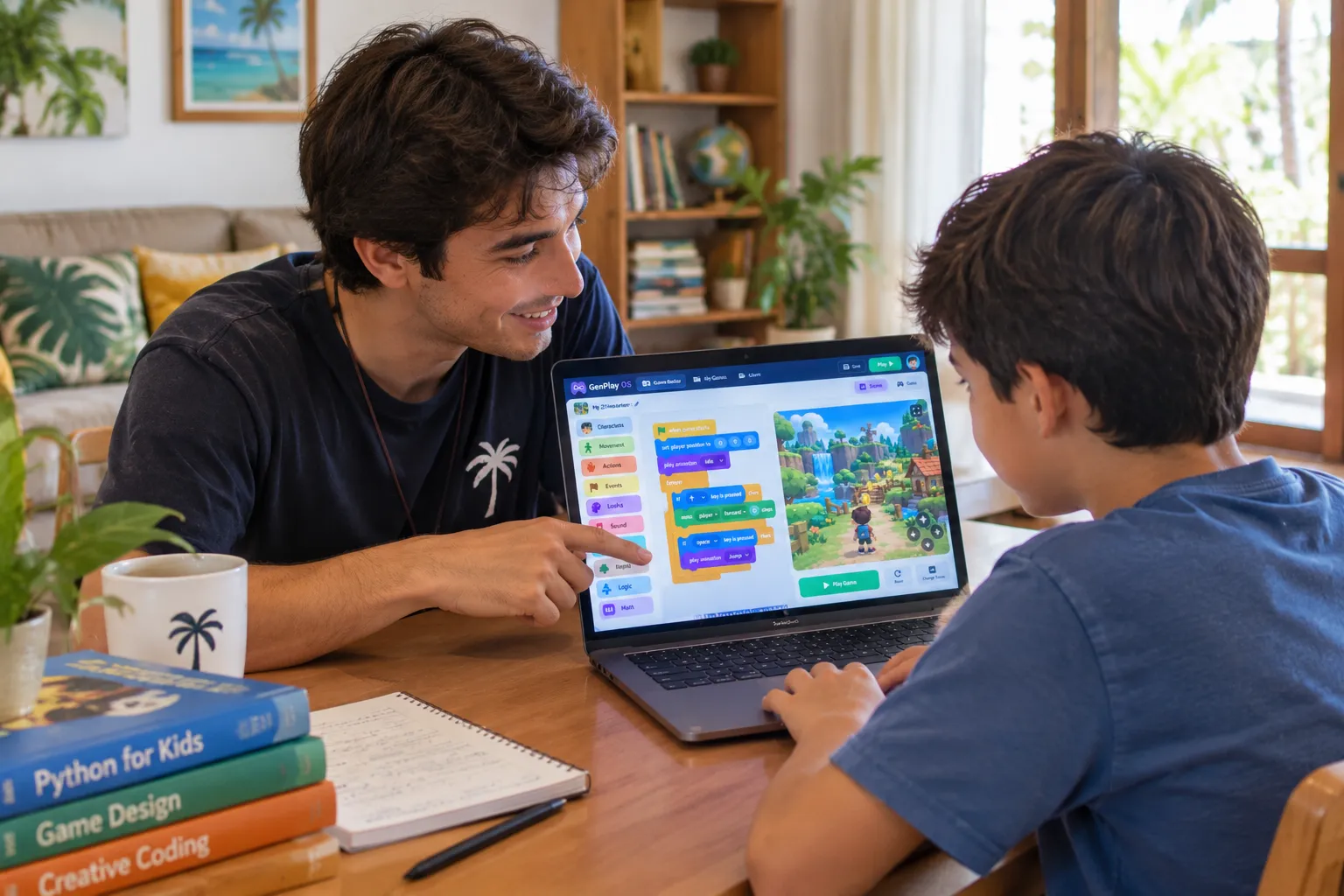
Private Mentoring
Mentors travel directly to your villa, home, or learning pod. 100% individual focus tailored to your child's pace with zero parent commute.
Bali Service Hubs
Canggu, Pererenan, Berawa, Seminyak, Ubud, Sanur, Bukit Peninsula.
Bogor Service Hubs
Bogor City, Sentul City, Baranangsiang, Pajajaran.
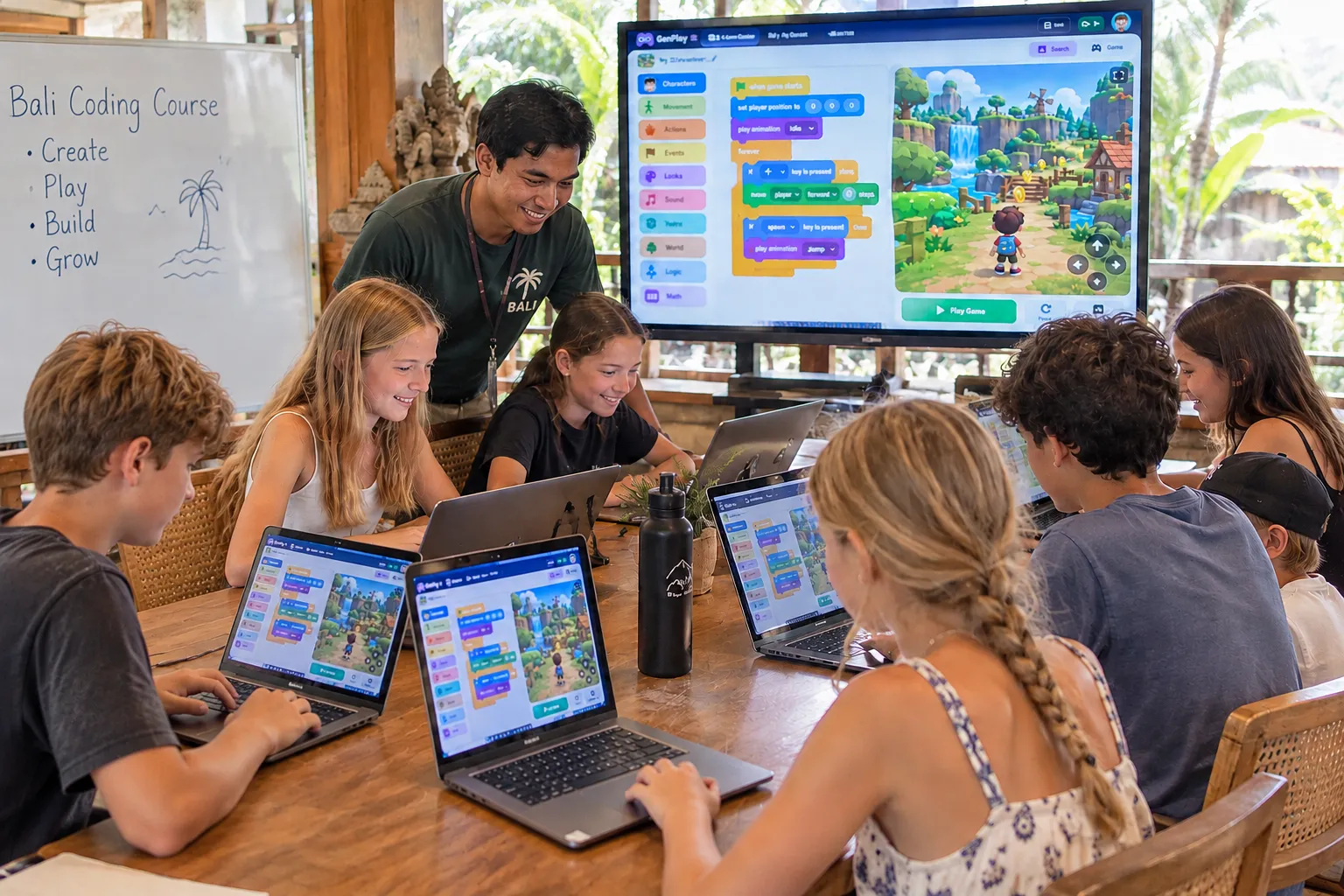
Regular Class (Jimbaran Area)
Interactive small cohort learning at our dedicated QuestLabs Studio in Jimbaran. Kids collaborate on game jams, team coding, and peer playtesting.
Jimbaran Campus Location
Bukit Peninsula (near GWK, Muaya, Uluwatu road). Dedicated STEM hardware lab.
Cohort Structure
4–6 students per mentor. Weekly recurring batches with age-matched peers.
Online Live Coaching
Connect from anywhere globally with high-touch live screen-sharing, pair programming, and dynamic pace matching your child.
Global Timezone Flexibility
Adaptable slots across Indonesia, Singapore, Australia, US, and Europe.
Remote Tooling
Shared cloud code workspaces, instant debugging, zero software hassle.
How Your Child Learns at QuestPly Labs
From day-one diagnostic to publishing commercial games and STEM projects.
Diagnostic Trial
A 45-minute friendly diagnostic to evaluate your child's logic and build their first interactive mini-project.
Custom Path
We tailor projects (Game Builder, STEM Mars Sim, or Python/Unity) to their passions and pace.
Mentorship & AI Sync
In-home or online. After each class, parents get AI progress summaries and personalized offline sheets.
Publish & Showcase
Export playable builds for Google Play, App Store, or Steam to build a real technical portfolio.
Real 2D and 3D Builds Ready to Publish
No closed browser sandboxes. Student projects compile into real production binaries:
Google Play Store
Export ready-to-sign APK and Android App Bundles (AAB) with touch joysticks and responsive layout support.
- Multi-touch gestures & haptics
- Direct APK installation for friends & family
Apple App Store
Smooth 60 FPS 2D & 3D graphics compiled for iPad and iPhone with retina scaling and gyroscope input.
- Retina display & gyroscope controls
- App icon, splash screen & build assets
STEAM (PC / Mac)
Direct standalone executable binaries with full gamepad controller support and ultra-wide monitor scaling.
- Full desktop controller support
- Industry-standard indie game pipeline
In Sync with Today's Tech & AI
Every milestone is synced with AI to keep parents fully informed and reinforce screen-smart offline retention.
Milestone Unlocked: Leo independently programmed autonomous obstacle evasion on his 3D Mars Rover simulation.
Printable weekend challenge attached. 100% screen-free pen & paper retention.
Never Wonder What Happened in Class
Parents don't need to read code. After every single lesson, our AI engine delivers an executive briefing straight to your phone, paired with customized offline printables.
Simple, Transparent Packages
Every child starts with a Free 45-Minute Diagnostic Trial Session. Choose the format that fits your family best.
Worldwide Private
Live video mentoring from anywhere.
4 Sessions / Mo
Free 45-Min Assessment Included
Bali & Bogor Home Teaching
Dedicated mentor arrives at your villa or residence.
4 or 8 Visits / Mo
Zero commute · 100% focused attention
Duo / Small Pod
Collaborative learning for brothers, sisters, or peers.
Co-op Coding
In-Person or Online Available
Frequently Asked Questions
Everything parents want to know about QuestPly Labs.
Can my child really publish their games to Google Play, App Store, and Steam?
Yes. Our engine compiles projects into standard production binaries. Students learn real build configuration, touch inputs for mobile, and gamepad mapping for PC/Steam. With parental developer accounts, their games can be published worldwide.
How do the STEM simulations compare to the game building track?
Both use the same visual block engine and math models. Instead of arcade mechanics, STEM simulations focus on real physics: orbital velocity, aerodynamics, atmospheric drag, and thrust-to-weight ratios.
Where do you offer Private Home Teaching?
We currently offer in-person home mentoring in two primary hubs: Bali Area (Canggu, Pererenan, Berawa, Seminyak, Ubud, Sanur, Bukit) and Bogor Area (Bogor City, Sentul City, Baranangsiang, Pajajaran, Cibinong). For all other regions, we provide worldwide 1-on-1 online sessions.
How does the AI sync and offline learning base work?
After every lesson, our system analyzes the session to send an executive summary to parents via WhatsApp. It also generates custom offline workbooks and storyboards so students practice logic independently away from screens.